Air-gapped signing
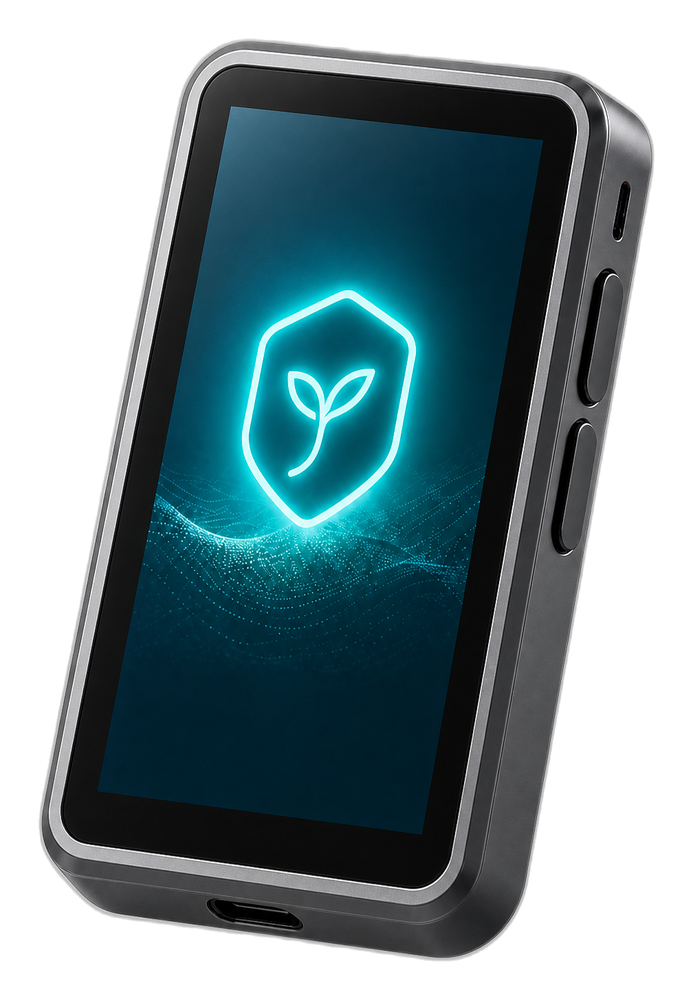
Confirm every send on the 4″ screen — keys stay offline.
Hardware walletBitcoin & Kaspa only
Mask your seed. Sign offline.
Do more than crypto. Store secrets offline.
Offline signer - and beyond
Preview render — not the final look of the device
Device profile
Upcoming retail deviceCoordinator
Scroll to walk through dashboard → send → sign on SeedMask.
Main Kaspa Balance
Watch-only · Account 0
≈ $2,800.00
Sending 1,000 KAS from your wallet balance
Paste a full kaspa:… address, or choose one of your wallets above.
Load an unsigned, partial, or fully signed PSBT/PSKT file. Next cosigner uses this too.
Sign once on SeedMask, then load the signed transaction here
Fully signed — tap Broadcast when you are ready.
1 signature needed
SeedMask signature loaded — ready to broadcast
Scanning…
QR seen — decoding…
BACKAmount
 1000.00KAS
To
Change
Change address
Send 1000.00 KAS
To kaspa:qqdemo…9m4p
Confirm every send on the 4″ screen — keys stay offline.
Coordinator never holds your seed. Desktop stays clean.
 Bitcoin & Kaspa
Focused support — Satoshi’s vision.
Passwords, 2FA, and notes — masked on device with your backup.
Backup code
You keep a short backup code you can write down or print — and a password only you know.
On any SeedMask device, both together always derive the same seed. Alone, neither is enough: a found code is useless without your password, and the password alone cannot unlock recovery. No cloud backup, no guessing — deterministic recovery you can verify.
A strong password is recommended — it is the only link that protects the backup code.
Create
Seed ready
Restore
Restore → Backup code
Vault backup
Encrypted Vault QR from Seed Settings — restore the seed plus passwords, notes, and 2FA on a wiped or new device.
Denser than a backup code. Often several frames. On restore, enter the same vault password you chose when you set up the vault or backup code.
Export after setup — verify restore once before you rely on wipe.
Export
Vault ready
Restore
Restore → Vault QR
Vault QR + password restore the seed and everything in the vault.
A strong password is advised — especially if the QR frames will be stored on an online machine.
Kaspa · Toccata
Toccata opens the door to Silverscript, covenants, zero-knowledge proofs, smart-contract-style flows, and more on Kaspa. We are not building those into SeedMask yet.Those flows need more than protocol support — we would rather wait and implement them properly than ship half-supported paths you cannot review and recover with confidence.Toccata touches serious custody territory — we'll add it once the stack and our implementation meet the same bar as plain sends.
In progress
On hold
Advanced Kaspa flows need the same bar as a basic send: clear review on the screen, air-gapped signing, and recovery you can trust. We'd rather wait than ship paths we cannot stand behind.
Hardware signs offline. Coordinator stays watch-only. Follow @Seedmask for launch updates.