
Tutorials · 01
Unbox & first boot
Get SeedMask ready offline before the Coordinator ever enters the picture.
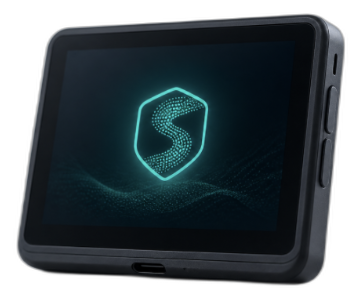
What you need
- Your SeedMask device and a trusted power source
- A private place to write your seed (never photograph it)
- Optional: a second offline location for a backup copy
Step 01 of 04
Power on and inspect
Confirm the device boots to the SeedMask screen and that packaging seals look intact. If anything feels off, stop and contact support before continuing.
Step 02 of 04
Verify the firmware path
Follow the on-device prompts to view the firmware version and hash/fingerprint SeedMask displays. Compare it against the published value on seedmask.io when hardware ships. Do not skip this step on a new device.
Step 03 of 04
Create or restore a wallet
Prefer creating a new seed on the device itself. Write the words on paper or metal, double-check order, and never type the seed into a computer or phone.
Step 04 of 04
Set a PIN and confirm
Choose a PIN you will remember offline. Confirm a small receive address on-device so you know the wallet was created correctly — still without connecting keys to the Coordinator.