
Tutorials · 03
Air-gapped send
The full signing loop — unsigned on desktop, signed on SeedMask, then broadcast.
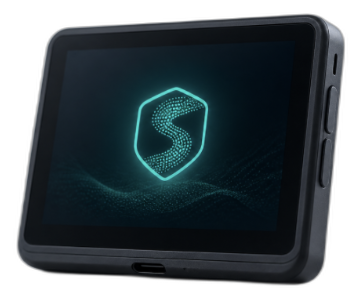
Step 01 of 04
Build an unsigned transaction
Open Send, enter the destination and amount, and review fees. Coordinator builds an unsigned transaction. Nothing has been authorized yet.
Step 02 of 04
Move it to SeedMask
Transfer the unsigned transaction to the device via the air-gap method SeedMask supports (for example QR). Keep the device offline from your everyday network habits.
Step 03 of 04
Confirm on the device screen
Read the amount and destination on SeedMask itself. Approve only if every detail matches what you intended. Reject if anything differs.
Step 04 of 04
Return signed TX and broadcast
Bring the signed transaction back into Coordinator, then broadcast when you are ready. Coordinator never needed your seed to complete the send.
Playing through steps